GUIDE 01 · TRACK
How to track return deadlines without missing the window
The best return deadline tracker is not a receipt archive. It is a short, visible countdown tied to a deadline you verified yourself.
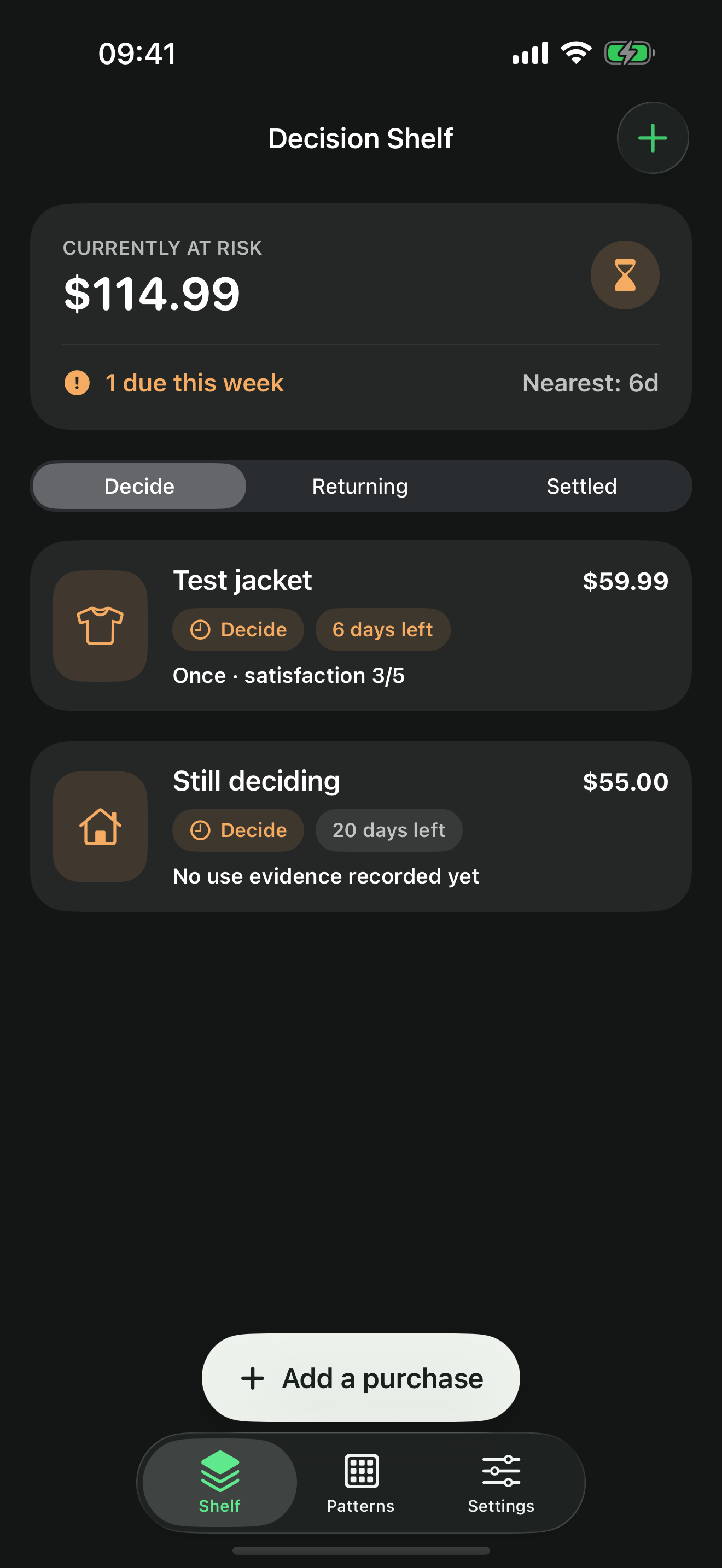
Quick answer. Scan a printed receipt on your iPhone or enter the purchase manually, save the return deadline you verified, and schedule reminders early enough to pack, ship, or visit the store. KeepCheck does this without an account, ads, analytics, or developer access to your records.
Start with the deadline you actually verified
Return policies differ by merchant, item, purchase channel, condition, membership status, and location. Record the deadline only after checking the merchant’s current policy or your order details. If the cutoff is time-sensitive, record the exact time and time zone too.
A tracker can preserve what you entered and remind you about it. It cannot guarantee that the merchant will accept the return.
The four fields that matter first
A printed receipt can shorten setup when it clearly shows the item, amount, purchase date, or return information. KeepCheck reads the image on device and fills likely values for you to review; it never treats OCR output as a verified merchant policy.
- ItemUse a name you will recognize immediately.
- AmountRecord the amount at risk in the original currency.
- Verified deadlineAdd an exact cutoff when “end of day” is not safe enough.
- Reminder lead timeLeave enough time for packing, travel, shipping, or a support conversation.
Use more than one moment of attention
A single last-day alert is fragile. The useful sequence is earlier and calmer:
- After delivery: confirm the item arrived and the deadline still looks right.
- After real use: record whether it solved the need and whether you would buy it again.
- Before the cutoff: make the keep-or-return decision with enough time to act.
Keep the in-app deadline list as the source of truth. Notifications are helpful, but iOS settings, Focus modes, and device conditions can delay or suppress them.
Separate open decisions from active returns
Once you decide to return an item, the deadline problem changes. You now need to record whether it was actually dropped off or shipped, then follow the refund separately. A planned return should never disappear into a generic “done” list.